From Fragmented Tools to One System
How I unified a multi-team eSIM dashboard into a single, flexible platform used across sales, operations, and clients
System Thinking
B2B Systems
Product Strategy

One dashboard, multiple workflows, no shared logic
At Rakuten Mobile (International Business team), the eSIM management dashboard was originally built to serve one primary user: the client.
In reality, the same system was being used by multiple internal teams:
Sales teams for pricing and proposals
Operations teams for troubleshooting and support
Clients for managing eSIMs (ICCID handling, lifecycle, etc.)
However, the product was only designed with the client in mind.
This created a hidden problem:
The system was shared, but the experience was fragmented.
Each team was forcing their workflows into a UI that was not designed for them.

From UI redesign to mapping a multi-role system
Instead of jumping into redesigning screens, I stepped back to map the full system.
I worked with business leaders and different teams to extract real usage patterns.
What emerged was a clear breakdown of needs:
Sales team needed:
Pricing comparison
Price list generation
Proposal preparation
Operations team needed:
Troubleshooting tools
Filtering and search across large datasets
Alerts and issue tracking
Clients needed:
eSIM management
ICCID handling
Basic operational visibility
The insight was simple but critical:
We were not designing a dashboard. We were designing a multi-role system.
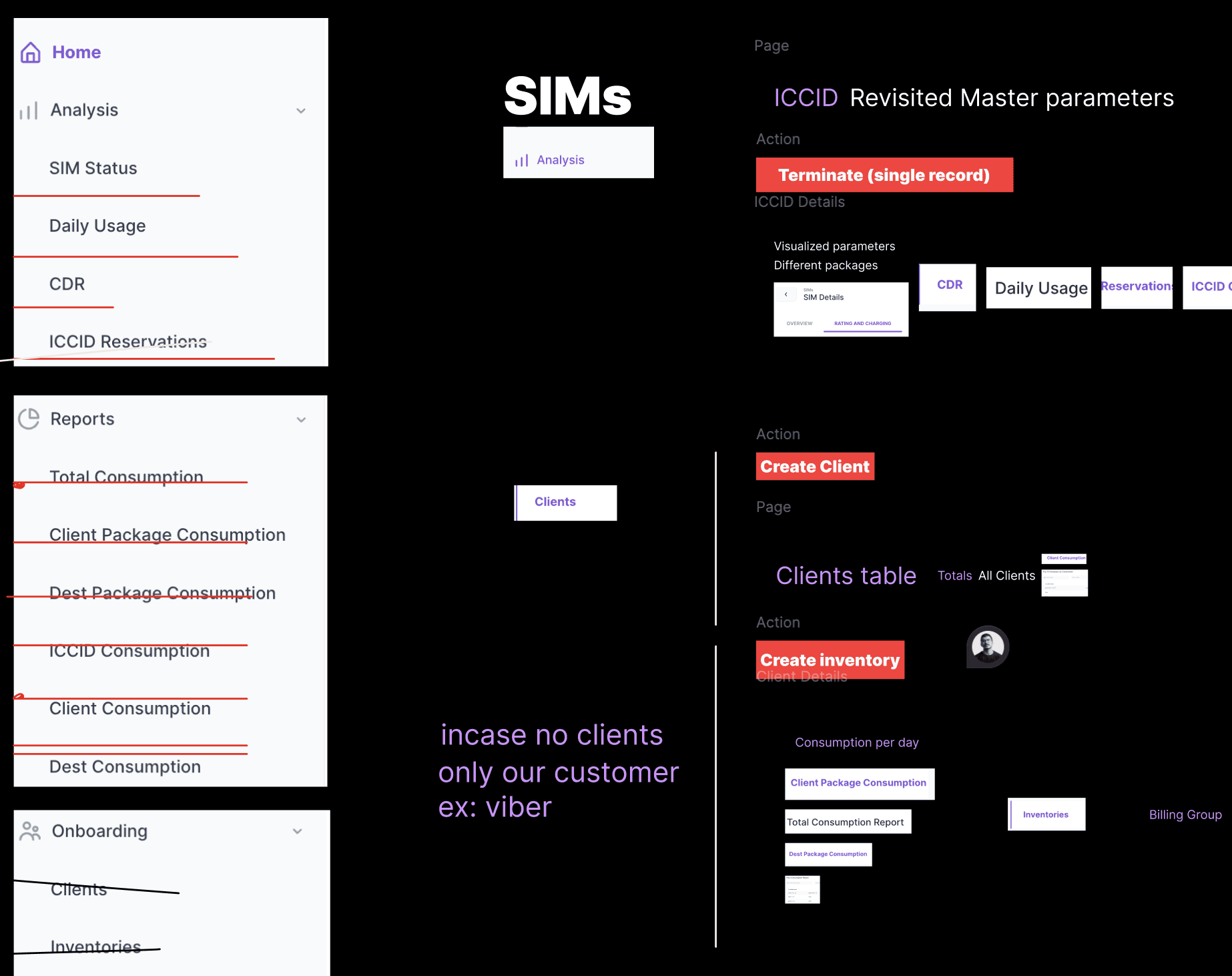
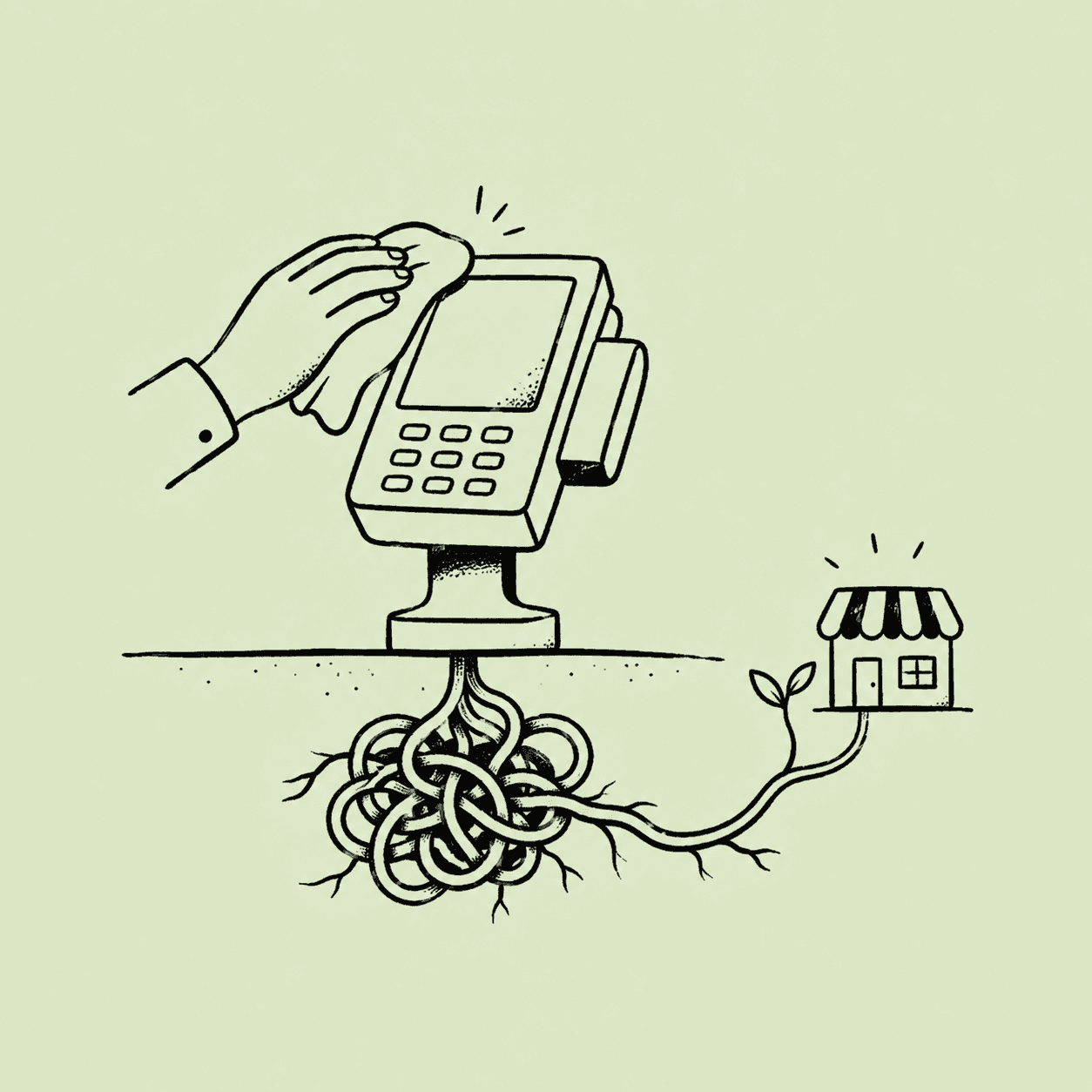
The cost of shipping interfaces without a UX foundation
I shifted the approach from feature-based design to system design.
First, I defined a multi-role platform model:
Different personas
Different entry points
Shared underlying structure
Then I restructured the experience around:
Role-based access and navigation
Clear separation of workflows
Consistent interaction patterns across all use cases
At the same time, I addressed a deeper issue:
The original interface had been developed directly by engineers without a unified UX layer.
This resulted in:
Inconsistent layouts
Confusing navigation
Overloaded tables with poor hierarchy
No clear handling of complex workflows

Designing for scale: handling data, flows, and decision-heavy interfaces
To support this shift, I created a design system tailored for complex B2B dashboards.
The focus was on real usage, not visual polish.
Key improvements included:
Handling large datasets
Structured tables with hierarchy
Better filtering and sorting
Scannable layouts for hundreds of entries
Complex flows (like package creation)
Introduced progressive disclosure
Broke down steps into clear sequences
Reduced cognitive load during decision-heavy actions
Navigation clarity
Defined clear entry points per role
Reduced unnecessary overlap between workflows
Consistency across the system
Unified components and patterns
Predictable interactions across different use cases

One system, multiple roles, finally aligned
The platform evolved from a single-purpose dashboard into a multi-role system
Sales, operations, and clients could each operate efficiently within the same environment
Workflows became clearer and faster to execute
The system scaled better as new use cases were introduced
Most importantly:
The product shifted from being a tool used differently by everyone… to a system designed intentionally for everyone.

Good design defines how systems work, not just how screens look
This experience reinforced a key principle:
Good design is not about improving screens in isolation. It is about defining how a system works across roles, teams, and workflows.
When multiple teams rely on the same product, the real challenge is not usability.
It is alignment.


© Ahmed Ramadan 2026